Keyboard shortcuts

Scrolling

dorCtrl+d
Scroll down
uorCtrl+u
Scroll up
Ctrl+e
One line down
Ctrl+y
One line up
gtheng
Top of article
G
Bottom of article

Articles

j
Older article
k
Newer article
O
Open original
H
Open hackernews
R
Open reddit

Lists

jor↓
Next item
kor↑
Previous item
gtheng
First item
G
Last item
oorEnter
Open selected item

Go to

gthenforgtheni
Feed
gthen1–9
Open feed entry
gthenb
Browse
gthenp
Preferences

Search and help

⌘+kCtrl+kor/
Global search
?
Show this help
Esc
Close this help

llm-keys-ui 0.1

This plugin solves a very specific problem.

I've started using Codex Remote to run coding agents on various machines while controlling them from my phone.

Sometimes I use those machines to hack on LLM projects, and occasionally that means I need to configure an API key.

I don't like pasting API keys into agent sessions, so I wanted a way to get those keys onto a machine without pasting them into the ChatGPT app directly.

With this plugin, I can tell Codex to run:

uvx --with llm-keys-ui llm keys-ui --all

Then have it tell me the URL - including local network or Tailscale device IPs - for an interface to save additional API keys.

Then later it can use a command like llm keys get anthropic as part of a shell command when it needs to use a key.
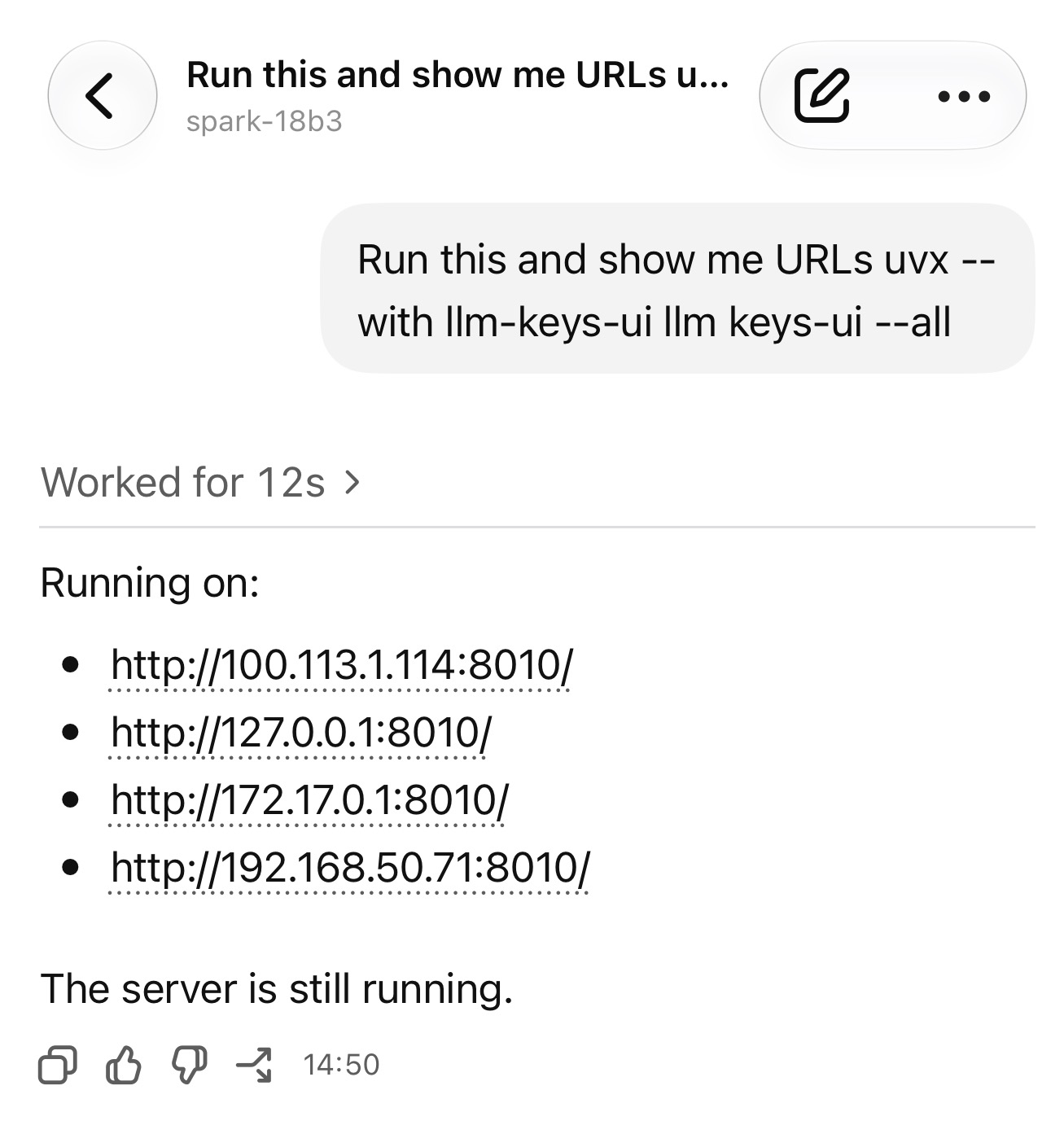
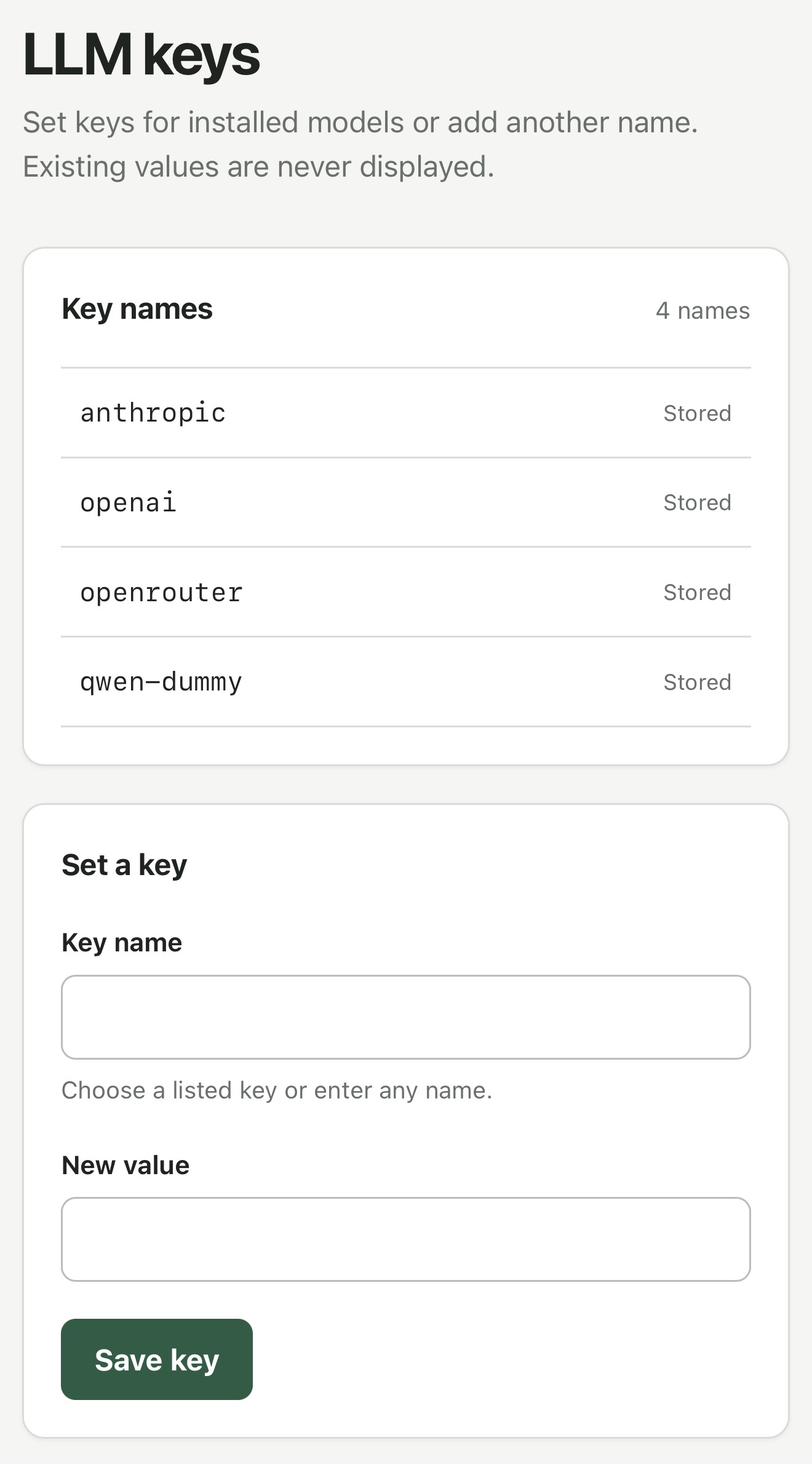
Chat conversation requesting uvx --with llm-keys-ui llm keys-ui --all, with a response listing four server URLs on port 8010 and confirming the server is still running. LLM keys web interface listing anthropic, openai, openrouter, and qwen-dummy as stored keys, with a form containing Key name and New value fields and a Save key button. Existing key values are never displayed.