Thread Labels
You can now add labels to threads to organize your work and find conversations later.
After a few weeks with Amp, you'll have dozens of threads. Some are one-offs, but others represent ongoing work: a feature you're iterating on, a bug you keep revisiting, or research you want to reference later. Labels help you find those threads again.
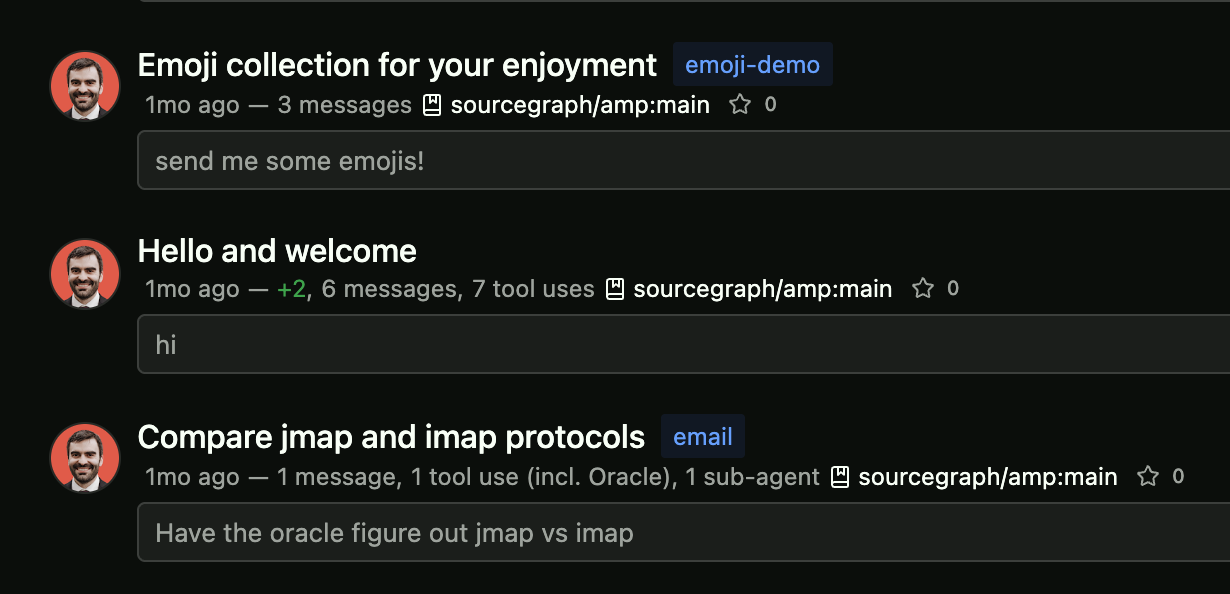
Click the tag icon on any thread to add a label. As you type, you'll see suggestions from labels you've already used—no need to remember exact names.
Click any label to jump to all threads with that label, or use the filter dropdown on the threads page to narrow down by multiple labels at once.