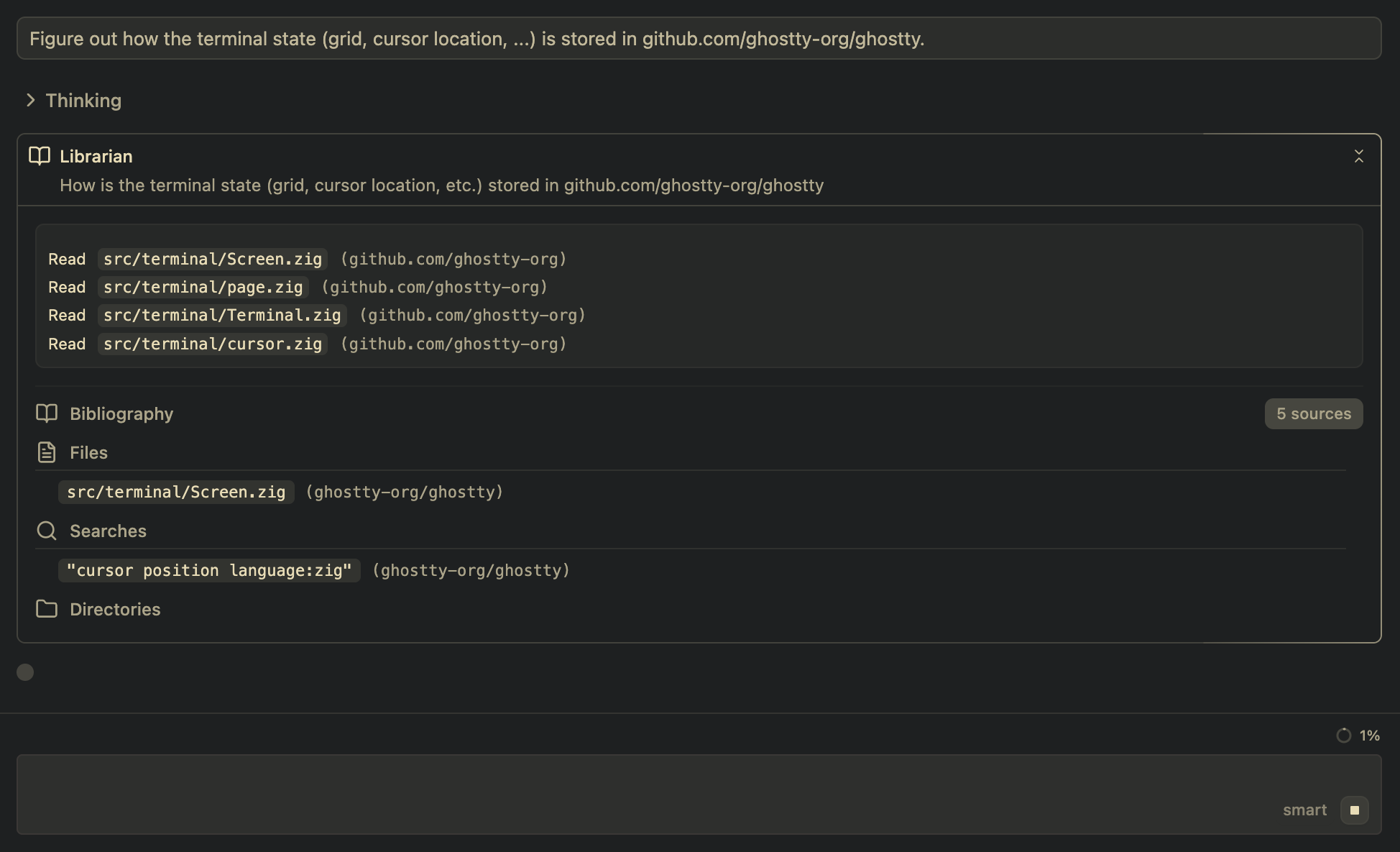
The Librarian
Amp has a new tool: the Librarian.
It's a subagent built for searching remote codebases. It allows Amp to search all public code on GitHub as well as your private GitHub repositories.
Tell Amp to summon the Librarian when you need to find code in multiple repositories, or, for example, when you want it to read the code of the frameworks and libraries you're using. Or when you want it to find examples of what you're trying to do in open-source code. Or when you want it to connect the dots between your code and its dependencies. Or... well, anytime you want it to find and look up code on GitHub.
Here are some example prompts that lead Amp to use the Librarian:
- "Use the Librarian to lookup how React's
useEffectcleanup function is implemented." - "Explain how new versions of our documentation are deployed when we release. Search our docs and infra repositories to see how they get to X.Y.sourcegraph.com."
- "Ask the Librarian to explain why we're getting this error from Zod and show me the validation logic causing it."
In order to use the Librarian, all you need to do is configure a GitHub connection in your Amp settings and then tell Amp to use it.