Oracle
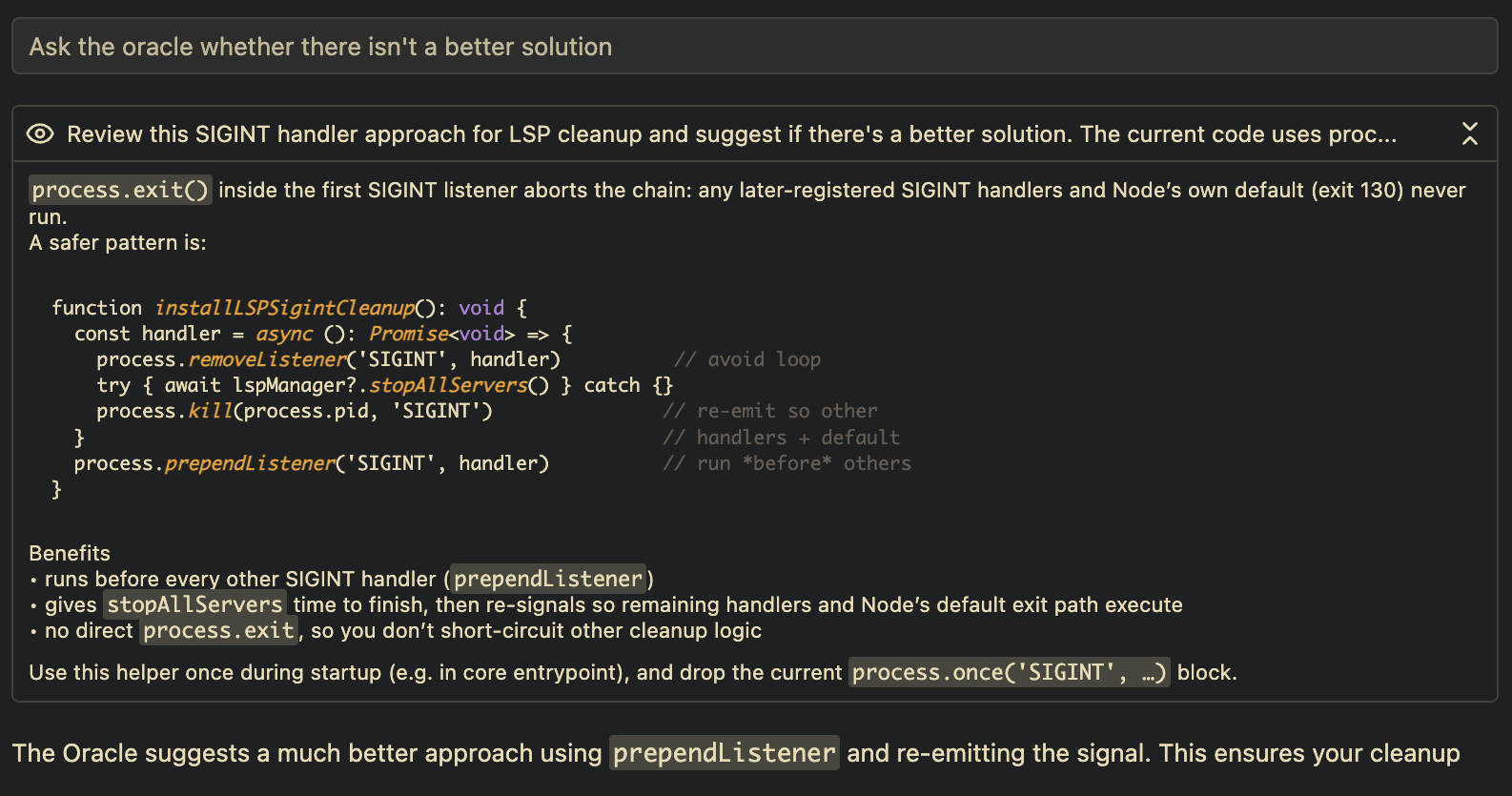
There's something new in Amp's toolbox: a tool called oracle. Behind that tool is a read-only subagent powered by one of the most powerful models today: OpenAI's o3.
o3 is slightly slower than the model behind Amp's main agent, Sonnet 4. It's also slightly more expensive and less suited for day-to-day agentic coding. But it is impressively good at reviewing, at debugging, at analyzing, at figuring out what to do next.
That's why we made it available as a tool, so the main agent and the oracle can work together — hand in hand, or, well, the agentic equivalent: token by token, one writing code, the other analyzing and reviewing.
We consciously haven't pushed the oracle too hard in the system prompt, to avoid unnecessarily increasing costs for you or slowing you down. Instead, we rely on explicit prompting to get the main agent to consult the oracle.
Here are some prompts we used:
- "Use the oracle to review the last commit's changes. I want to make sure that the actual logic for when an idle or requires-user-input notification sound plays has not changed."
- "Analyze how the functions
foobarandbarfooare used. Then I want you to work a lot with the oracle to figure out how we can refactor the duplication between them while keeping changes backwards compatible." - "I have a bug in these files: ... It shows up when I run this command: ... Help me fix this bug. Use the oracle as much as possible, since it's smart."